

Klondike Solitaire Rules and Tips to Win More Games
A clear, beginner-friendly guide to Klondike Solitaire: the 7-column layout, stock and foundation rules, plus practical habits that help you win more games on desktop and mobile.

Klondike Solitaire is easy to learn and hard to master: deal seven tableau columns, build them down in alternating colors, and send all cards to the foundations. This guide covers the rules and the habits that help you win more games, and you can practice everything on the Klondike Solitaire tool.
The setup and the goal
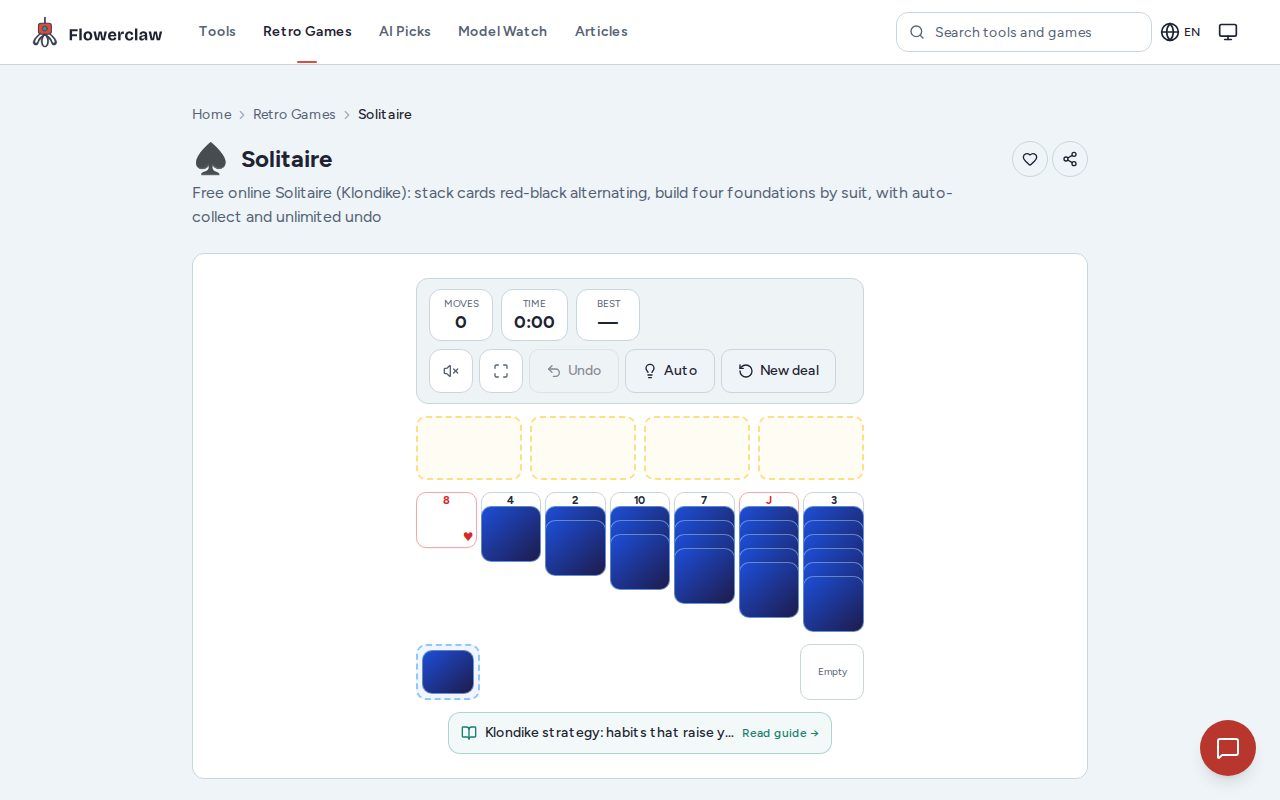
A standard Klondike deal gives you 7 tableau columns with 1, 2, 3, 4, 5, 6, and 7 cards from left to right. Only the top card of each column is face up, and the rest stay hidden until you uncover them. The goal is to move every card onto the four foundations, building each suit from Ace to King.
The stock holds the remaining cards — 24 cards after the deal (52 minus 28). You draw one card at a time from it to keep the game moving, and the waste pile holds the cards you have drawn. The HUD shows moves, time, and best so you can track a session without extra setup.
Rules you must follow
- Tableau columns build down in alternating colors. A red 6 can go on a black 7, and a black 5 can go on a red 6.
- Foundations build up by suit, starting with the Ace. Only the matching suit can be placed on each foundation.
- When you clear a tableau column, an empty column can receive a King or a sequence that starts with a King.
- A face-down card becomes available once it is the top card of its column.
- Drawing from the stock moves cards to the waste pile. When the stock runs out, the game recycles it so you can keep drawing.
How a session actually plays
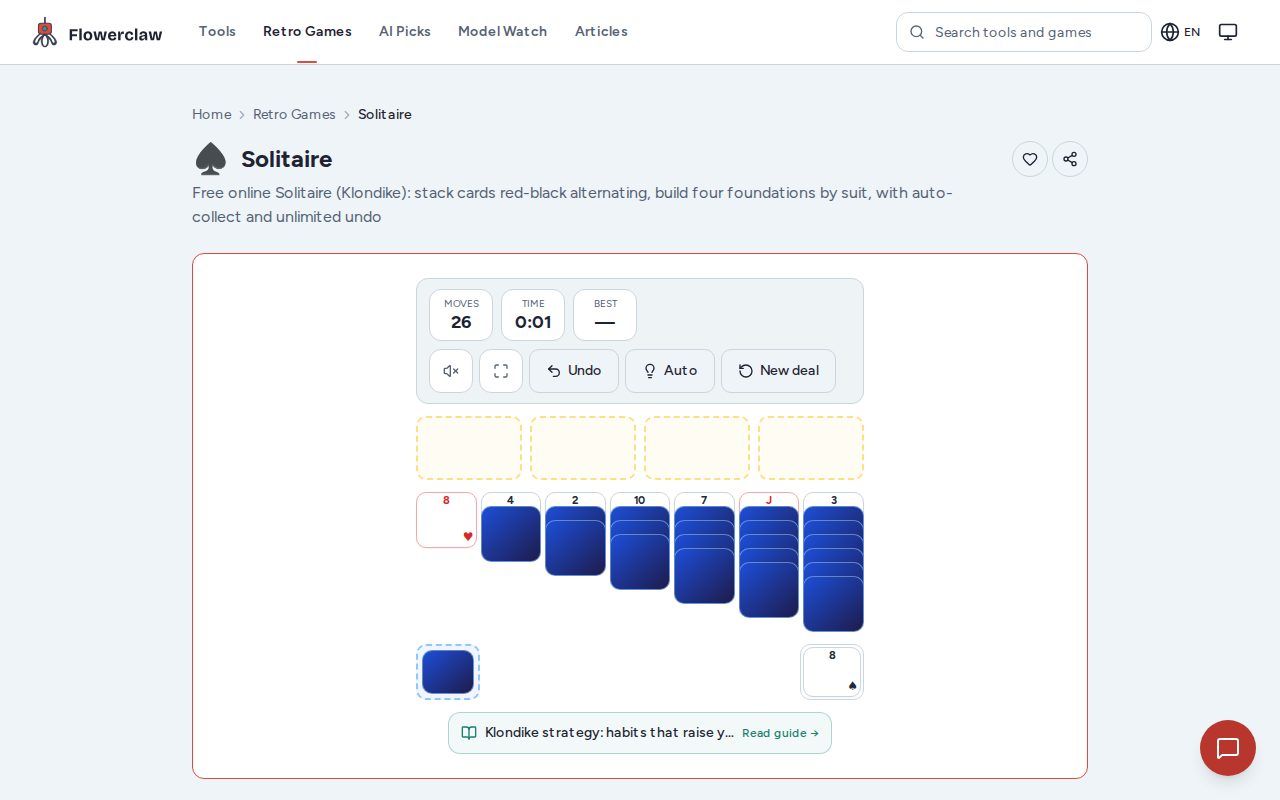
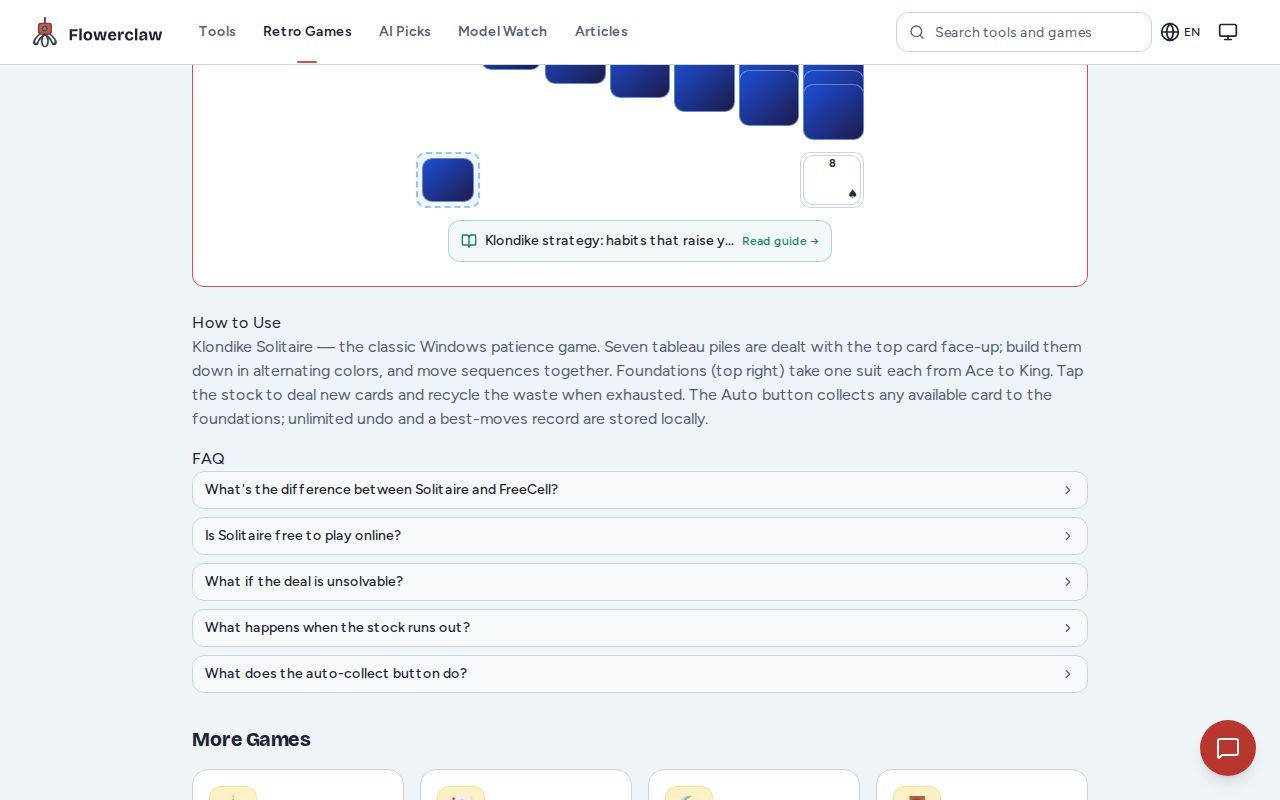
A real desktop test on this site is a useful example. With 24 cards in the stock, the tester clicked the stock 26 times: clicks 1–24 drew the whole stock, click 25 recycled it, and click 26 was already the first draw of the second pass — so drawing repeatedly is normal in Klondike. The HUD showed 26 moves and 0:55 on the clock after that sequence. During the same session the tester also attempted 6 tableau moves, all of which were invalid (color or rank mismatch) and did not change the move count. The tableau columns still held 1, 2, 3, 4, 5, 6, and 7 cards, and no foundation had been filled at that point. That is a typical mid-game position: you are cycling the stock while looking for a useful card.
A short walkthrough
| Step | What to do | Why it matters |
|---|---|---|
| 1 | Scan the tableau for moves that uncover a face-down card | Uncovering hidden cards creates new options |
| 2 | Draw from the stock when no tableau move helps | Cycling the stock keeps cards moving |
| 3 | Build foundations when an Ace or low card is free | Foundations free up space in the tableau |
| 4 | Clear a column and place a King there | An empty column is a flexible workspace |
Tips to win more games
- Uncover face-down cards early. Hidden cards block progress, so prioritize moves that reveal them.
- Do not rush the foundations. Moving a low card to a foundation can free the tableau, but it can also remove a card you needed for a sequence.
- Keep one empty column ready — but only for a King. An empty column accepts a King (or a sequence that starts with one). If you do not have a King yet, leave the column empty and wait; other cards cannot enter it, so it is not a temporary buffer.
- Watch the stock count. This site draws one card at a time, so 24 clicks exhaust the stock and the 25th click recycles it — repeated draws are normal, so plan around the cards you have already seen.
- Use the HUD as a check. Moves and time help you see whether a session is dragging or progressing.
Playing on mobile
Klondike works on a small screen too. In a mobile test on this site, the starting tableau counts were 1, 2, 3, 4, 5, 6, and 7, and 5 stock clicks were confirmed. The HUD at the end showed 5 moves and 0:00, while the tableau counts stayed at 1, 2, 3, 4, 5, 6, and 7. A touch drag on the tableau was not confirmed in that test, so on a phone the most reliable action is tapping the stock and using tap-to-select moves.
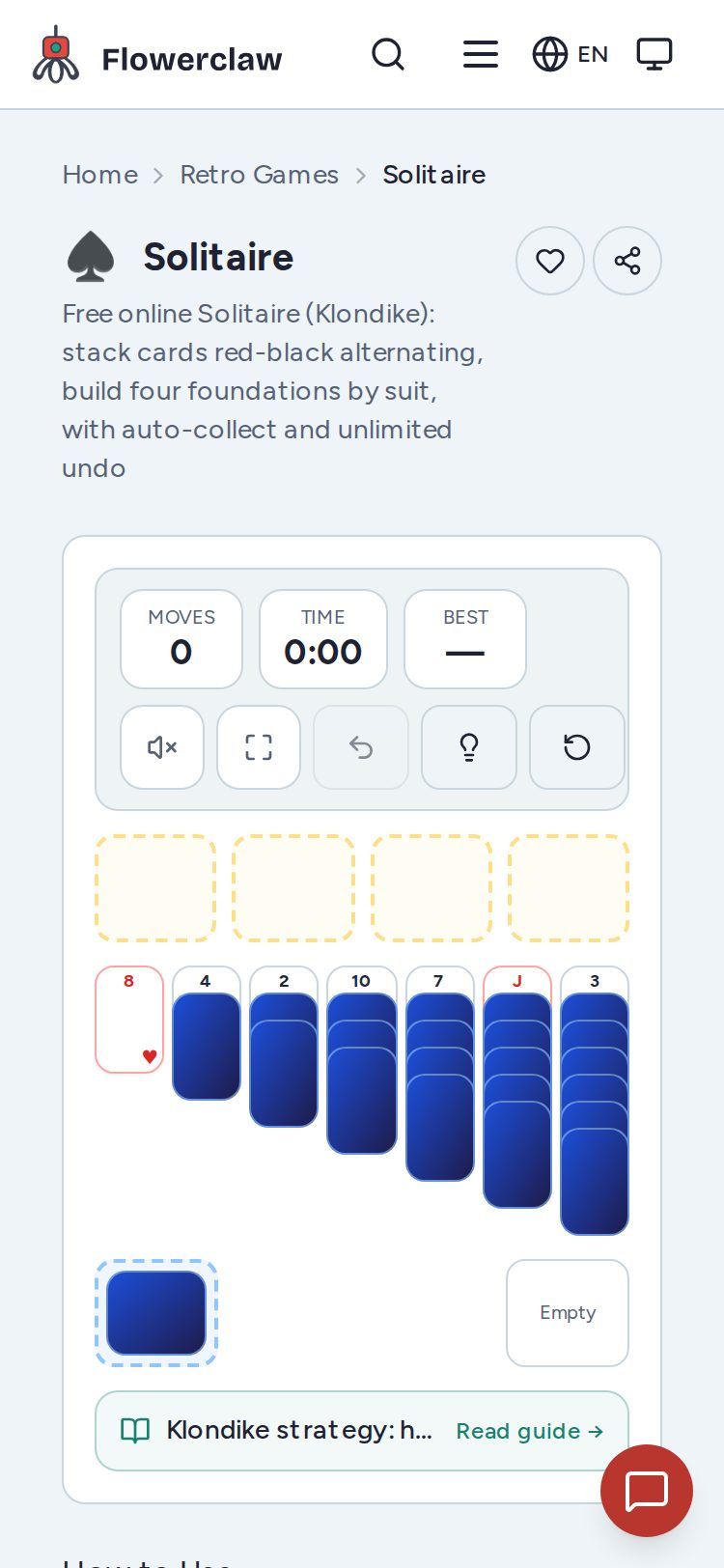
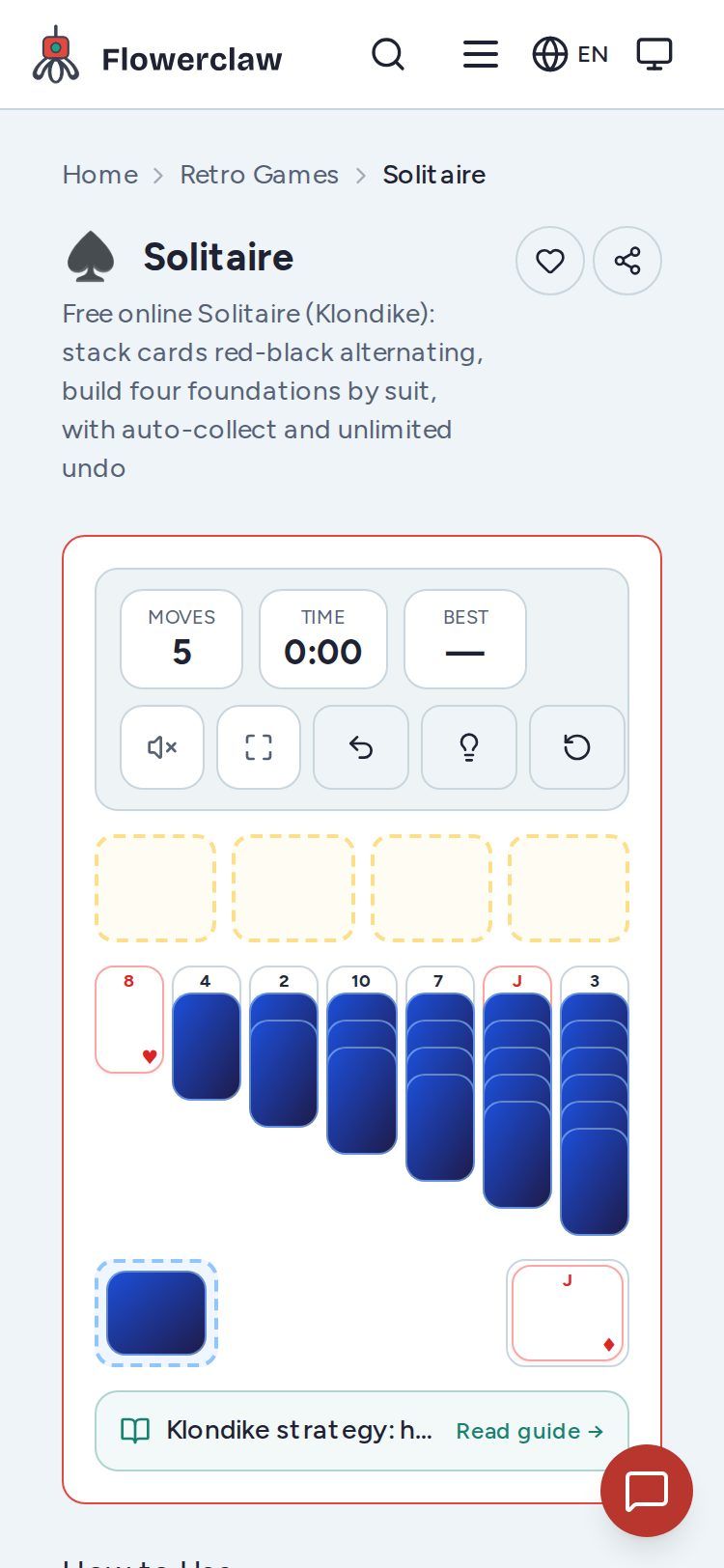
These figures are site-measured examples from this tool, not universal results. Your own session will vary with the deal.
FAQ
How many columns does Klondike have? Seven tableau columns, with 1 through 7 cards in the opening deal.
What happens when the stock runs out? The game recycles it, so you can continue drawing.
Can any card go on an empty column? Only a King or a sequence that begins with a King.
How do I track progress? Use the HUD moves and time counters, and count filled foundations.
Does it work on mobile? Yes. The mobile board is playable with touch, and tapping the stock is confirmed in testing.
Start playing
Ready to try these habits? Open the Klondike Solitaire game, deal a new game, and focus on uncovering face-down cards first (this site deals one stock card per click). For a quick change of pace, the same tools page links to other card and puzzle games you can play in the browser.